Bookkeeping for the self-employed: the minimum viable spreadsheet
Three lists, fifteen minutes a week, one separate bank account: the smallest bookkeeping system that survives a tax season.
You don't need accounting software. You need three lists, fifteen minutes a week, and the discipline to never mix accounts. Here's the smallest system that survives a tax season.
The industry sells you complexity you don't need yet
Walk into bookkeeping advice as a freelancer, solo contractor, or one-person shop and you'll be told to buy a subscription: QuickBooks, FreshBooks, Xero — $15 to $35 a month, forever. For a business with employees, inventory, or a dozen client accounts, fine. For a self-employed person billing a handful of clients? That's $200–400 a year to do what three spreadsheet lists do better, because you can actually see and touch every number.
Bookkeeping for the self-employed has exactly four jobs:
1. Know what you earned and what you spent (the tax return needs it).
2. Know who owes you money and how late they are.
3. Know how much to set aside for tax — before you spend it.
4. Be able to prove any number if asked.
Everything else is decoration. Here is the minimum viable version of all four.
Rule zero: never mix accounts
Before any spreadsheet matters: one bank account for the business, one card for the business, nothing personal through either. This single habit does half your bookkeeping for free — when a category is unclear, you check whether it came from the business account. Mixed accounts are how people end up reconstructing a year of transactions from memory in April, wrongly.
If you're starting from a mess: don't fix history. Draw the line this month, from today forward. A clean eight months beats a perfect never.
List one: money in
Every payment gets one row: date, client, amount, invoice number. That's it. Two details matter more than people expect:
- The invoice number, because "that check in March" is not a system, and the day a client's payment goes missing you'll want the reference.
- Recording it when paid, not when invoiced. For your own sanity you can track both dates, but the money-in list reflects cash that actually landed. Optimism is not a bookkeeping method.
List two: money out
Same story, mirrored: date, what it was, how much, and the category. And here's the part most people overcomplicate — you need maybe eight categories, not the fifty QuickBooks offers:
- Software & subscriptions
- Equipment & tools
- Vehicle & travel
- Materials / cost of the work you sell
- Insurance
- Professional fees (legal, accounting)
- Bank & payment fees
- Everything else
The categories aren't for the tax office — they're for you, to answer "where did the money actually go?" at year end and "what can I cut?" mid-year. The tax office cares whether an expense was business-related and provable, not which of your eight buckets it sat in.
One habit worth its weight: photograph the receipt the second you get it. A shoebox of paper is how deductions get lost; a camera roll labeled by month is how they survive.
List three: the tax set-aside
The trap that ends more self-employed careers than slow clients: the money lands, it feels like income, you spend it, and the tax bill arrives later with penalties attached. The fix is arithmetic, not discipline:
- Gross it down. Whatever lands, immediately treat only ~70–75% of it as yours (rates vary by country and bracket — check yours once, then round conservatively).
- Move the tax share to a separate account the day the client pays. Not at month end. The day it lands.
- Pay the tax authority from that account and never feel it.
The self-employed who survive year three are, almost universally, the ones who did this from month one.
The fifteen-minute week
Friday afternoon, or Monday with coffee:
1. Add this week's payments to list one; chase anything overdue.
2. Add this week's spending to list two; snap any missing receipts.
3. Move the tax share from what landed this week.
4. Glance at the running totals: income vs. expenses for the month — is the ratio where you thought?
That's the whole system. It takes longer to describe than to run.
When you outgrow it
Upgrade triggers, honestly: you hire someone (payroll changes everything), you carry inventory, your client count makes the invoice register feel like a spreadsheet audit, or you incorporate and an accountant asks for cleaner books. Until one of those is true, the spreadsheet isn't the cheap option — it's the clear one: every number visible, nothing hidden behind software menus, and it costs nothing forever.
The ready-made version
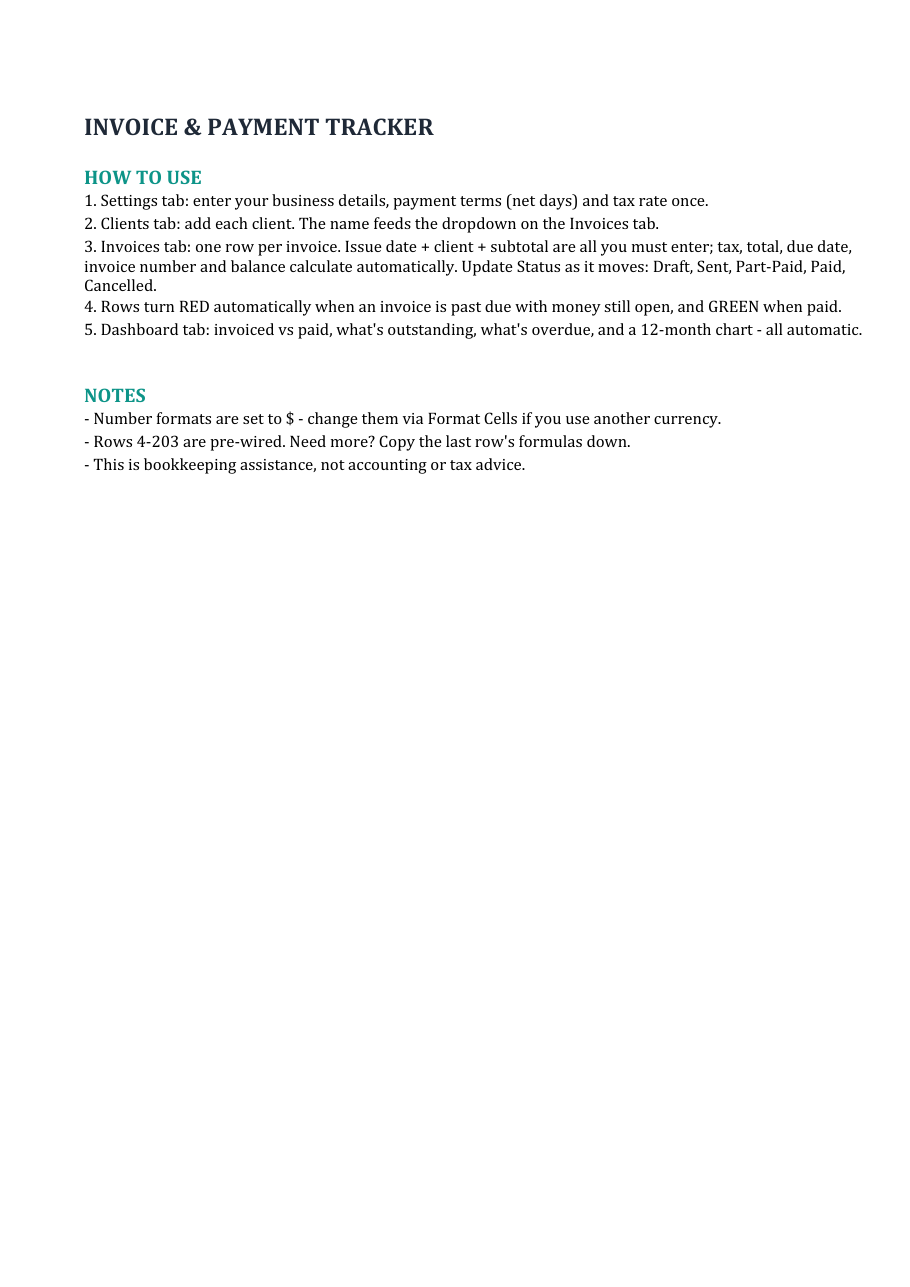
The Small Business Invoice & Payment Tracker (instant download) is exactly this system, prebuilt: the invoice register with overdue flags, the aging view that shows who's late and by how much, printable invoices, and the automatic arithmetic. The Small Business Command Center on the same page adds expenses, clients and a 12-month cashflow forecast if you want the whole machine — and there's a free cashflow forecaster to start with.
Organizational tool, not accounting or tax advice — rates and rules vary by country. Works in Excel and Google Sheets.
Invoices, expenses, clients, quotes and a 12-month cashflow forecast — linked in one workbook. Or start with the free forecaster.
Browse the templates Free forecaster