Quote vs invoice: what to send and when (with templates)
They look almost identical, which is why so many businesses send the wrong one at the wrong moment — and pay for it in delayed payments and scope arguments.
They look almost identical, which is why so many small businesses send the wrong one at the wrong moment — and pay for it in delayed payments, scope arguments, and tax headaches. Here's the difference that matters.
The one-line difference
- A quote is a promise about the future: "Here is what I expect this work to cost, under these assumptions."
- An invoice is a statement about the past: "This work is done under those agreed terms; here is what you owe."
A quote invites a decision. An invoice demands a payment. Send an invoice before the work and terms are agreed, and you've issued a bill for something that doesn't exist yet — legally messy and commercially rude. Send a quote after the work is done, and you've handed the client an opening to renegotiate a price they already implicitly accepted.
When to send a quote

Send a quote before any work begins whenever the job is:
- Custom — the client can't know the price without you scoping it
- Over a few hundred dollars — impulse-level amounts don't need paperwork
- Likely to change — because a quote is where you write down what's included and, crucially, what isn't
That last part is the real product. A good quote doesn't just state a price; it fences the scope: materials listed, labor hours assumed, exclusions named ("drywall repair quoted separately once opened"), validity window ("pricing holds 30 days"), and payment terms for when it becomes real work.
The validity window matters more than people think. Your supplier prices move; a quote without an expiry date is an open-ended liability you've signed for free.
When to send an invoice
Send an invoice the moment the agreed milestone or job is complete — not at month end, not "when we get to paperwork." Every day between completion and invoice is a day added to your cash conversion cycle, and it's the one part of the cycle you fully control.
A compliant invoice carries: unique sequential number, your business details, the client's details, itemized work matching the quote (or the agreed change orders), the amount, tax as required in your jurisdiction, the due date, and how to pay. The due date is not decoration — "net 30" starts on the invoice date, and your receivables tracking starts there too.
The middle case: deposits and progress payments

For anything spanning weeks, don't quote → work → invoice once. Structure it:
1. Quote with the payment schedule written in (30% deposit, 40% at milestone, 30% on completion — whatever fits your trade).
2. Deposit invoice on acceptance. You are not a free credit line; a deposit de-risks the job and filters out clients who were never going to pay smoothly.
3. Progress invoices at each milestone as it completes.
4. Final invoice, with the deposit and progress amounts itemized against the quoted total.
Contractors who move to this structure typically cut their worst-case exposure on a job from 100% to the final third — and the clients who resist deposits are, with uncomfortable reliability, the ones who'd have been slow on the final payment anyway.
What a change order is (and when you need one)
Mid-job, the client asks: "while you're here, could you also…". Say yes verbally and you've donated work. The professional move is a one-line change order: new item, new price, dated, signed or at least emailed before the extra work starts. It converts a scope argument into a paper trail — and your invoice later references it, so the final number matches what the client actually agreed to, not what they remember agreeing to.
The three-document habit
The whole system, compressed:
- Quote first, scope fenced, expiry dated, payment schedule included.
- Change orders for anything not on the quote.
- Invoice immediately on completion, matching quote + change orders, numbered sequentially.
Three documents, one numbering habit (QUOTE-014 becomes INV-014), and you can reconstruct any job's money story in thirty seconds — which is exactly what you'll want at tax time, during a dispute, or when a client asks "why was March's invoice higher?"
Templates that already do this
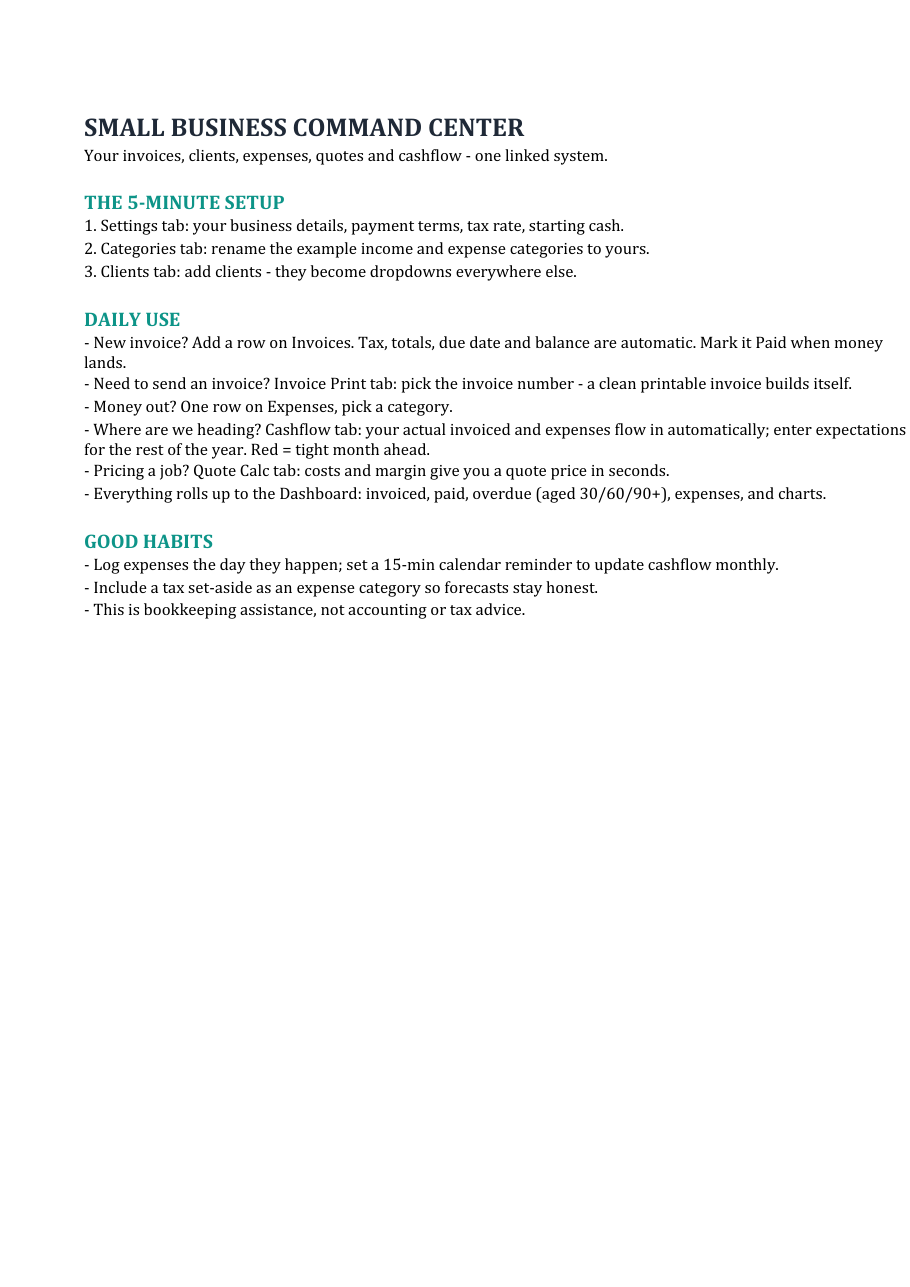
The Quote Calculator in the Small Business Command Center (instant download) builds the quote side: line items with materials/labor/overhead, per-line margins, tax, and a print-ready layout. The same system tracks the invoice side — register, due dates, overdue flags — so quote → change order → invoice stays one connected story per client. The free cashflow forecaster on the same page shows when those invoices actually turn into bank balance.
Process guidance, not legal or tax advice — invoice requirements vary by jurisdiction. Works in Excel and Google Sheets.
Invoices, expenses, clients, quotes and a 12-month cashflow forecast — linked in one workbook. Or start with the free forecaster.
Browse the templates Free forecaster