How to track invoices without accounting software
You don't need a $30/month subscription to know who owes you money. A register, some formulas and red/green flags do the job until you genuinely outgrow them.
Accounting software costs $30+ every month, forever, and most small businesses use about 10% of it. Here's what that missing 90% of businesses actually need instead — and the spreadsheet pattern that delivers it.
Who actually needs QuickBooks
Not a criticism of QuickBooks — it's good software. The question is whether you're its customer.
If you have employees running payroll, inventory across locations, or an accountant asking for Xero/QuickBooks files, yes: buy the software.
If you're a contractor, freelancer, consultant, agency of one-to-five, or any business that sends invoices and wants to know who hasn't paid — you need about four things:
1. A list of every invoice you've sent, and its status
2. Automatic math: tax, totals, due dates
3. A way to see, at a glance, who owes you what and how late
4. A printable, professional invoice
That's it. That list is fully deliverable in one Excel file with no monthly fee. Here's the pattern.
The register: one row per invoice
The entire system is a table where each row is one invoice:
| Invoice # | Issue date | Client | Description | Subtotal | Tax | Total | Due date | Status | Paid date | Amount paid | Balance |
You enter: issue date, client, description, subtotal. The spreadsheet computes everything else:
- Tax:
=subtotal × tax_rate(tax rate set once, in Settings) - Total:
=subtotal + tax - Due date:
=issue_date + terms_days(your terms, set once) - Balance:
=total − amount_paid - Invoice number:
="INV-" & TEXT(row_number, "000")— auto-numbering, no gaps, no duplicates
Set the status as the invoice moves (Draft → Sent → Part-Paid → Paid → Cancelled) and the sheet does two visual tricks worth the price of admission alone:
- Paid rows turn green. One glance = what's settled.
- Past-due rows with money still open turn red. Not "past due by the due date field" — the formula checks the due date against today and whether a balance remains, so paid invoices never nag you.
The aging report: your most powerful awkward conversation
The second sheet is where money actually gets collected. An aging report buckets every open invoice by how late it is:
- 1–30 days late — gentle reminder territory
- 31–60 days late — firmer follow-up
- 61–90 days late — direct conversation, payment plan territory
- 90+ days late — formal demand / collections decision
The formula is one SUMPRODUCT checking three things at once: is the due date before today, is it inside this bucket, and is money still open. The result is a number every business owner should be able to answer instantly: how much money is out there, and how overdue?
The buckets aren't just information — they're an action plan. Each bucket maps to one specific, pre-decided escalation step, which removes the emotional friction of chasing money. You're not "deciding whether to follow up"; you're executing step two of four on invoices in bucket two.
The escalation ladder (steal these scripts)
- Due date day: "Hi [name], invoice INV-014 for [amount] was due today — all fine here, just flagging it in case it slipped the calendar. Happy to resend anything."
- Day 14: "Following up on INV-014 ([amount], due [date]). If it's scheduled, could you share the payment date? If something's wrong with the invoice itself, tell me and I'll fix it today."
- Day 30: "I need to get INV-014 ([amount], 30 days past due) onto my own payables list honestly — can we set a specific payment date this week, or split it into two payments?"
- Day 45+: formal written request, state the amount, dates, and next step (collections/small claims in your jurisdiction). Calm, factual, zero adjectives.
One line in each: factual, unemotional, escalating. The spreadsheet tells you which line to send; you send it.
The printable invoice
A register that can't produce a client-facing invoice isn't finished. The trick is a print sheet driven by one dropdown: pick the invoice number, and every field — your business header, the client's details, description, subtotal, tax, total, due date, payment instructions — fills in via lookup formulas. Set the print area once. Now "send the invoice" is: pick number → print to PDF → attach.
When you've outgrown the spreadsheet
Honest thresholds, from running this pattern at scale:
- Revenue past ~$8–10k/month, or invoices per month past ~50 — the manual entry starts costing real time
- You hire employees — payroll is genuinely software territory
- You carry inventory across SKUs — same
- Your accountant asks for software files — their hour is worth more than the subscription
Until then, the spreadsheet is faster to use, trivially customizable, and costs $19 once instead of $360 a year.
The shortcut
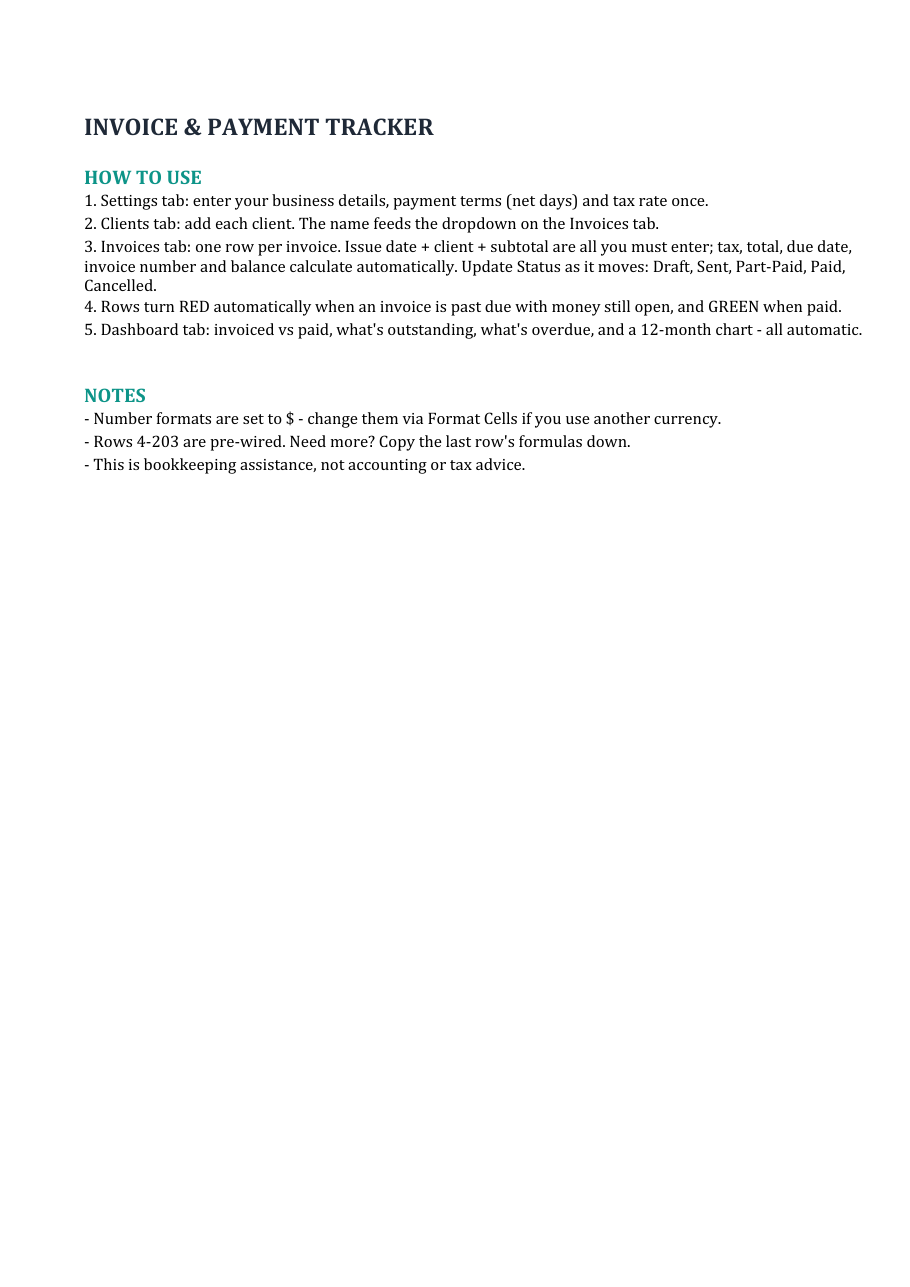
The whole pattern — register, auto-math, red/green flags, aging dashboard, printable invoice sheet, 200-invoice capacity — is the Small Business Invoice & Payment Tracker ($19, instant download).
If you want the invoice register plus expense tracking, quote calculator, cashflow forecast and the dashboard all linked in one file, that's the Small Business Command Center ($49) on the same page.
And if you just want to see whether spreadsheet bookkeeping fits you before paying anything, there's a free 12-month cashflow forecaster there too.
This is bookkeeping assistance, not accounting or tax advice. Works in Excel and Google Sheets.
Invoices, expenses, clients, quotes and a 12-month cashflow forecast — linked in one workbook. Or start with the free forecaster.
Browse the templates Free forecaster